Current Patients, Complete Your Check-In Online!
We’re providing our existing patients or former patients, already in treatment with us, the option of a digital check-in. Please fill in the fields below and attach a few photos for us to review.
How It Works
Step 1
Take 8 pictures of your smile from the angles below.
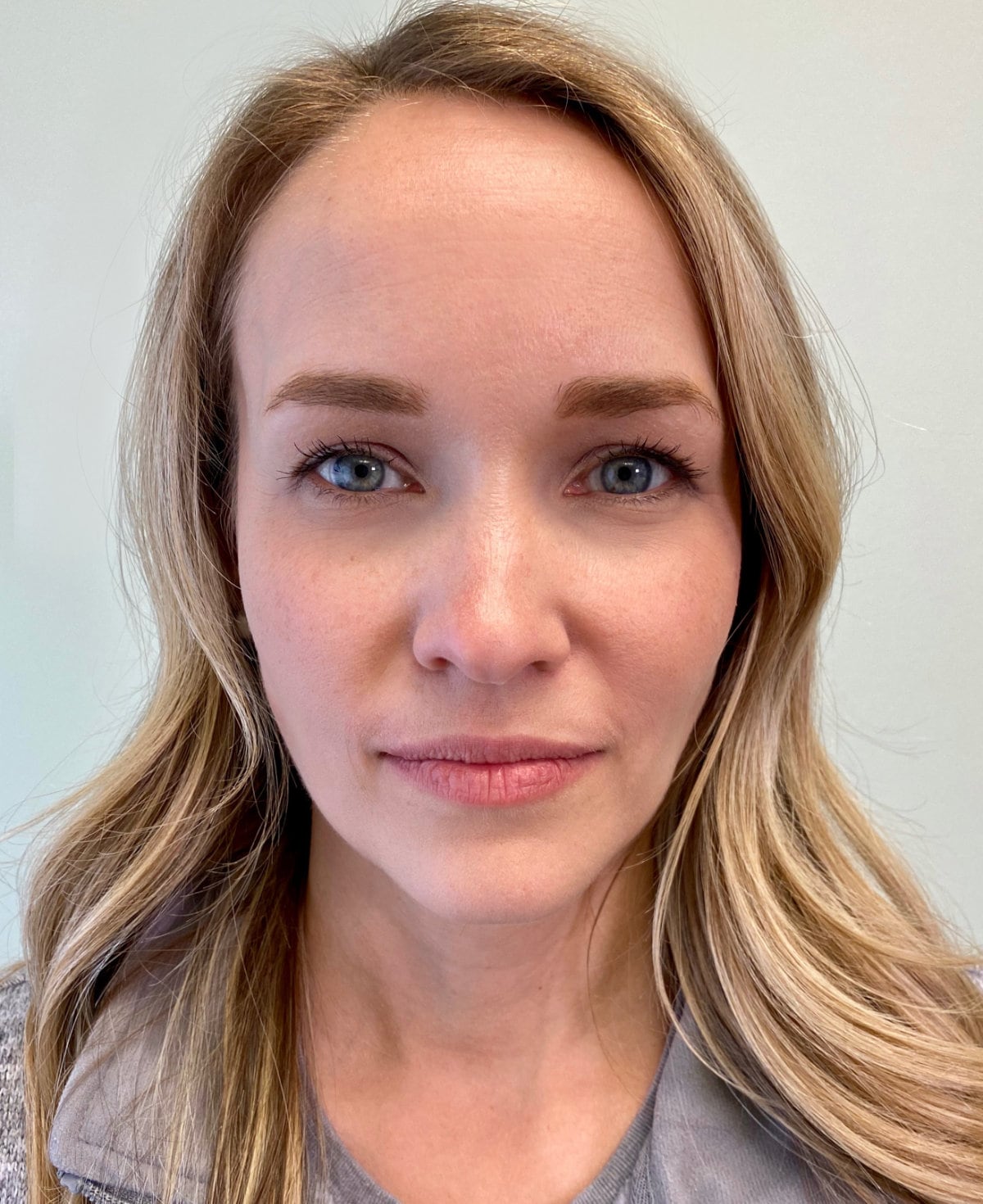
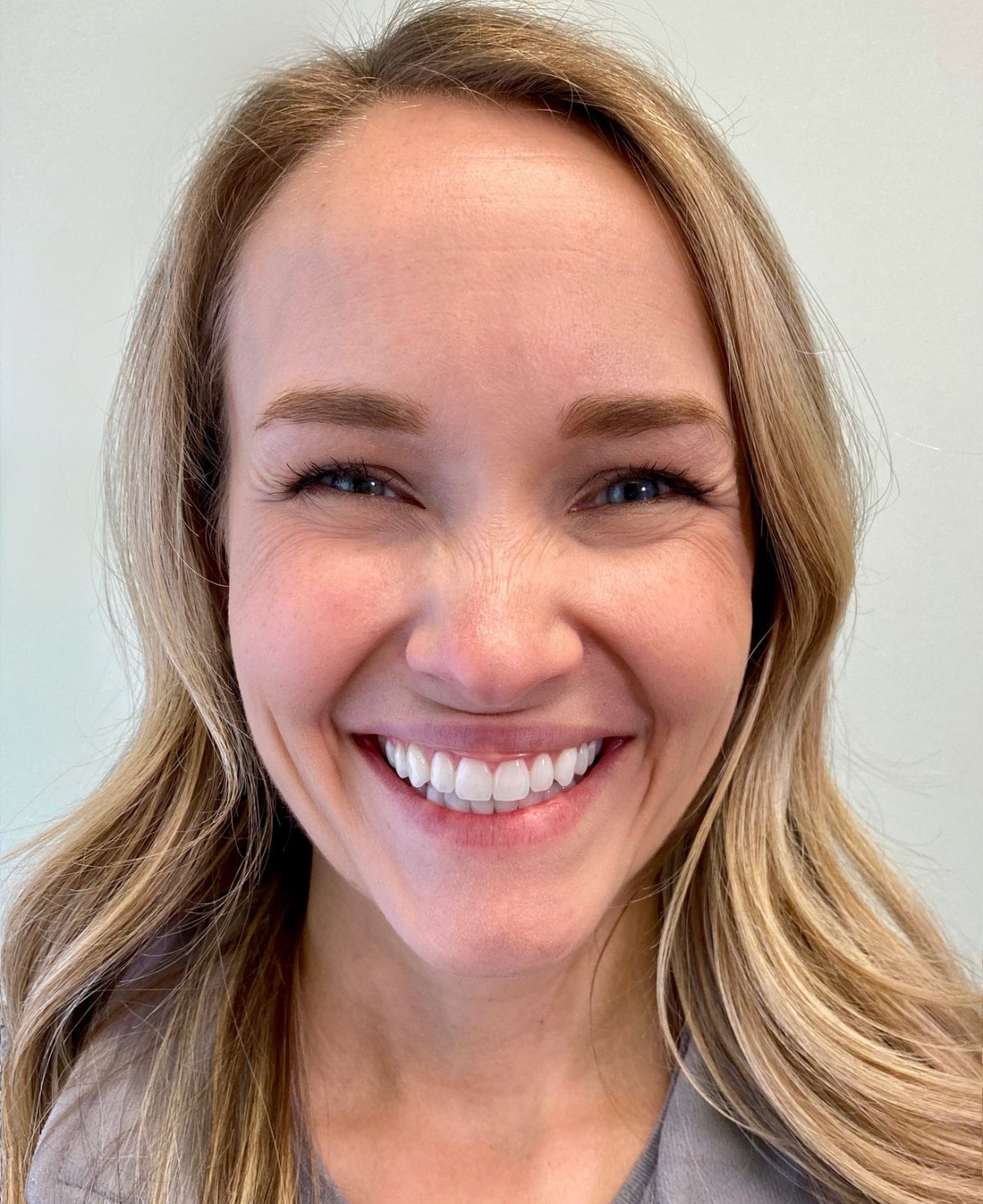
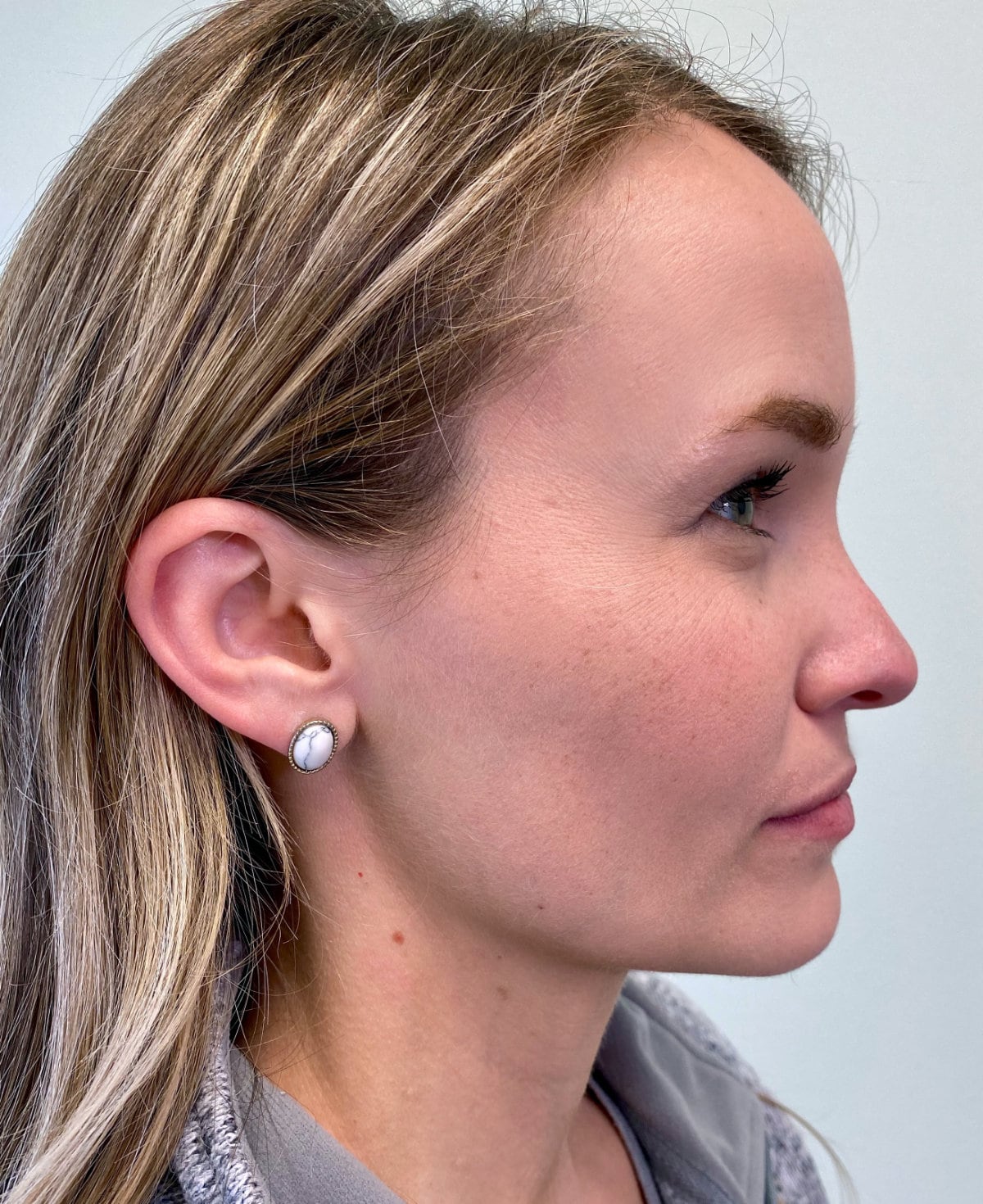
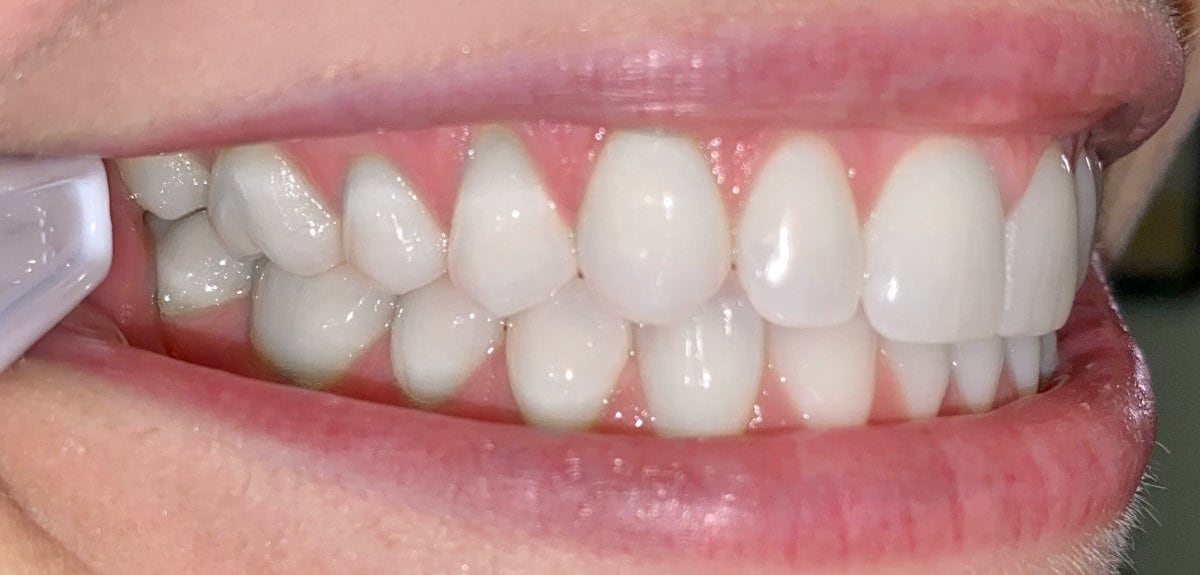
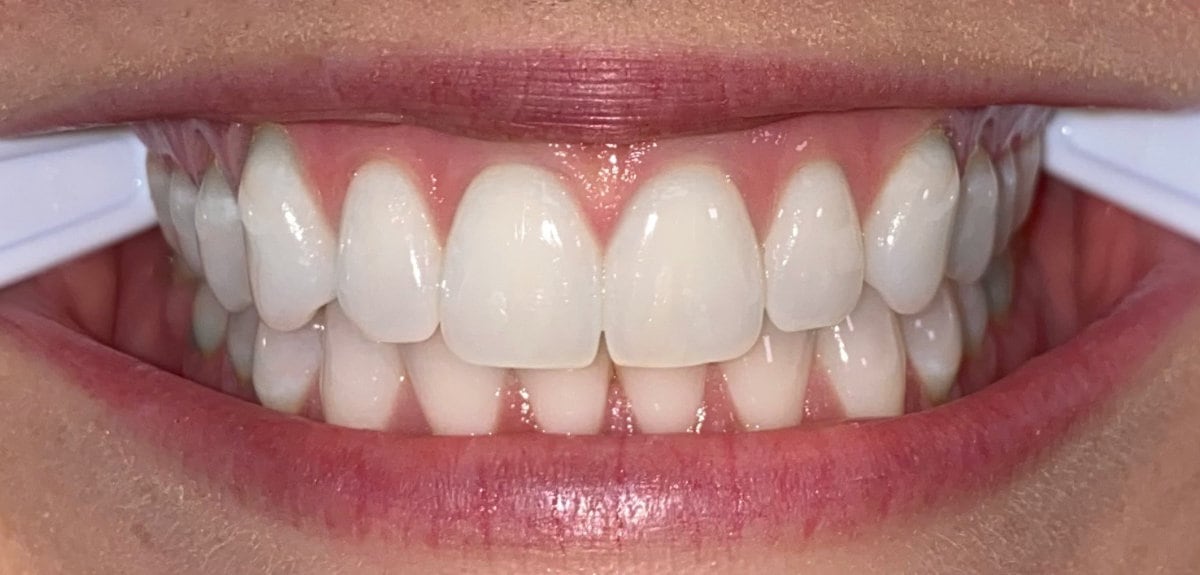
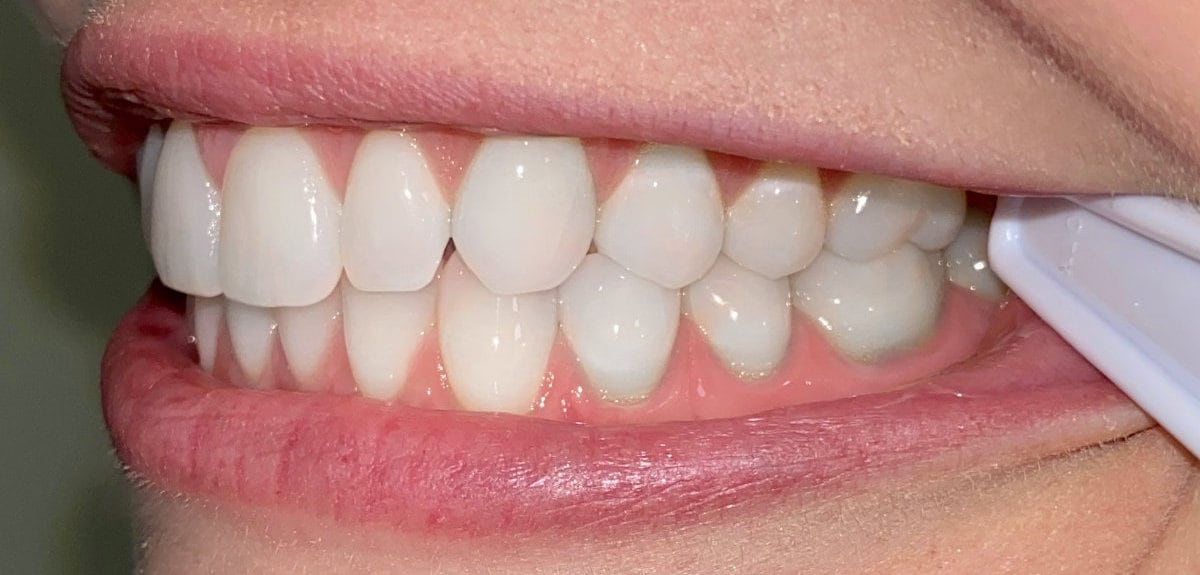
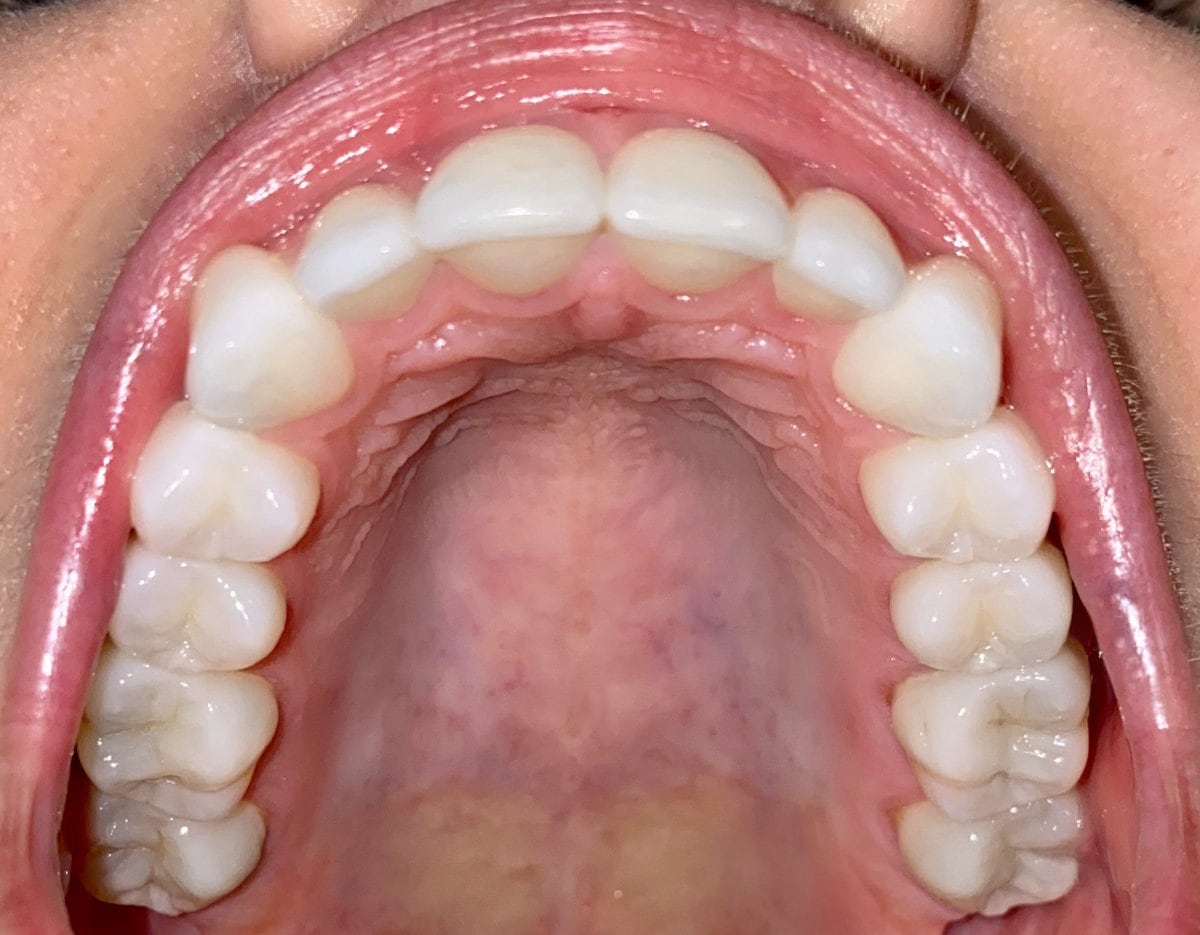
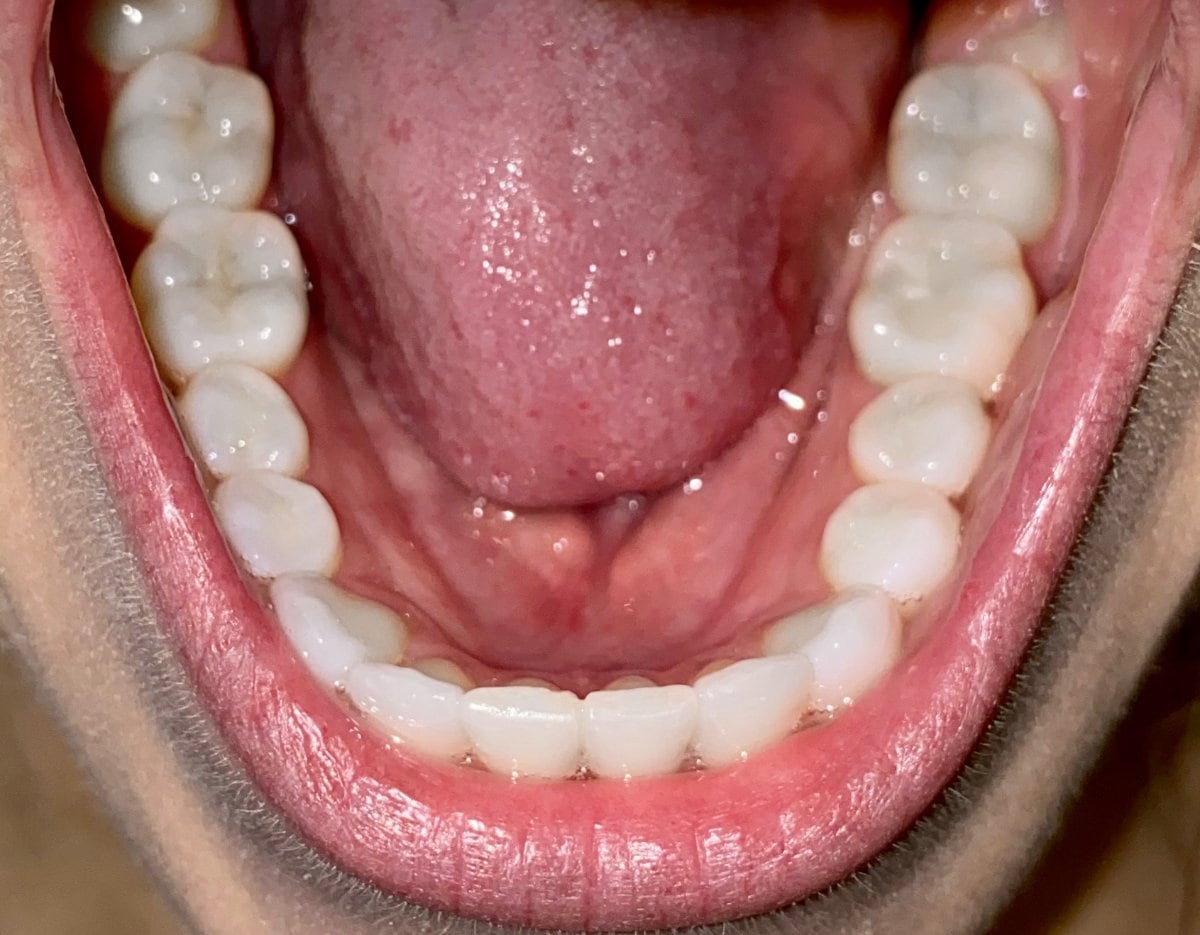
Need help taking photos?
Step 2
Complete this form.
Step 3
After you hit send, we'll contact you within a few days and potentially set up a time to connect if requested or needed.
VERY IMPORTANT: When we send you an email, or you send us an email, the information sent is not encrypted. That means a third party may be able to access the information and read it since it is transmitted over the Internet. And, if you receive an email, someone may be able to access your email account and read it.
- HIPAA stands for the Health Insurance Portability and Accountability Act
- HIPAA was passed by the U.S. government in 1996 in order to establish privacy and security protections for health information
- Information stored on our computers is encrypted.
- Most popular email services (ex. Hotmail®, Gmail®, Yahoo®) do not utilize encrypted email.
- Email is a very popular and convenient way to communicate for a lot of people, so in their latest modification to the HIPAA act, the federal government provided guidance on email and HIPAA.
- The guidelines state that if a patient has been made aware of the risks of unencrypted email, and that same patient provides consent to receive health information via email, then a health entity may send that patient personal medical information via unencrypted email.
- Read more HIPAA information

Absolutely Recommend!
Dr. Kyle and the entire staff are very patient and create a warm and friendly experience. I would absolutely recommend him to anyone who wants a better smile.
- Dustin
Top-Tier Orthodontist
My experience here at Saddle Creek Orthodontics was amazing. If you are looking for a top-tier orthodontist, look no further.
- Melkyeva
Amazing & Friendly
There is a reason why Dr. Kyle Fagala and the entire Saddle Creek Ortho team only has 5 star ratings and I experienced it for myself throughout the process!
- Teresa

I Love My Smile Now
Just finished my Invisalign treatment with Dr. Kyle. I wore traditional braces for four years previously, but needed a tune up after not wearing my retainer properly. I was blown away by Dr. Kyle and his staff. Their attention to detail was incredible, and they made me feel like family with each visit and call to the office. I love my smile now.
- Caitlin

Highly Recommended!
We have had an AWESOME experience with Saddle Creek Ortho. the staff is always so friendly and willing to help with our family's hectic school/sports schedule. Highly recommended!
- Jennifer

Staff is So Friendly
Loved my experience with Saddle Creek Orthodontics! The entire staff is so friendly. Every appointment was quick and painless. Plus, now I have the smile I always wanted. Highly recommended!
- Gail

Thanks SCO!
Dr. Kyle and his amazing staff have walked my two daughters through to a brand new smile. We would recommend (and have done so) this group whole heartedly! We have been with them for about 8 years between my two girls and we have NEVER experienced anything negative. Thanks SCO!
- Lawrence
Great Customer Service
Absolutely amazing experience with both offices! Great customer service and cute offices. Thank you for a smooth braces treatment and a beautiful smile.
- Nicole